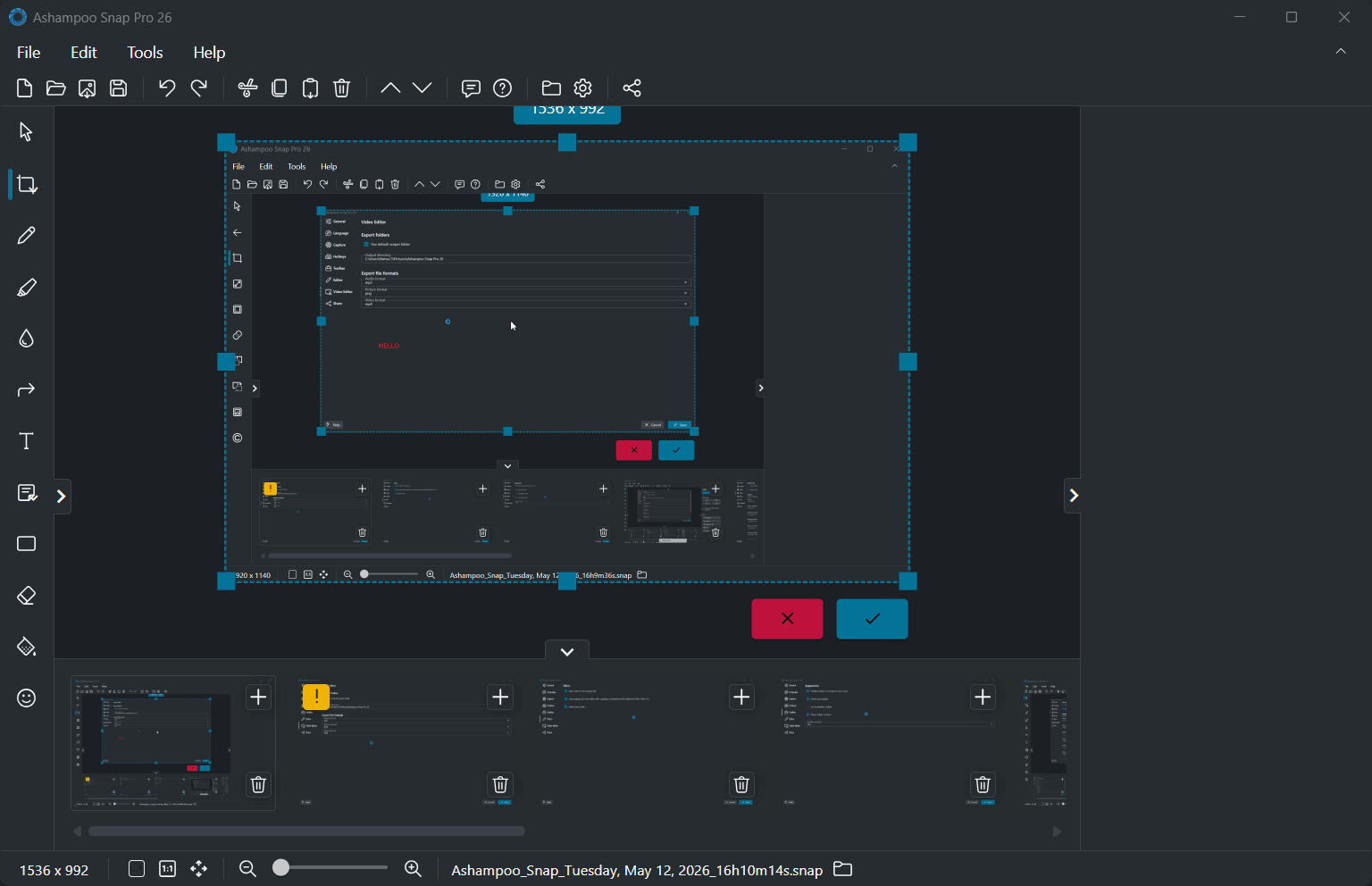
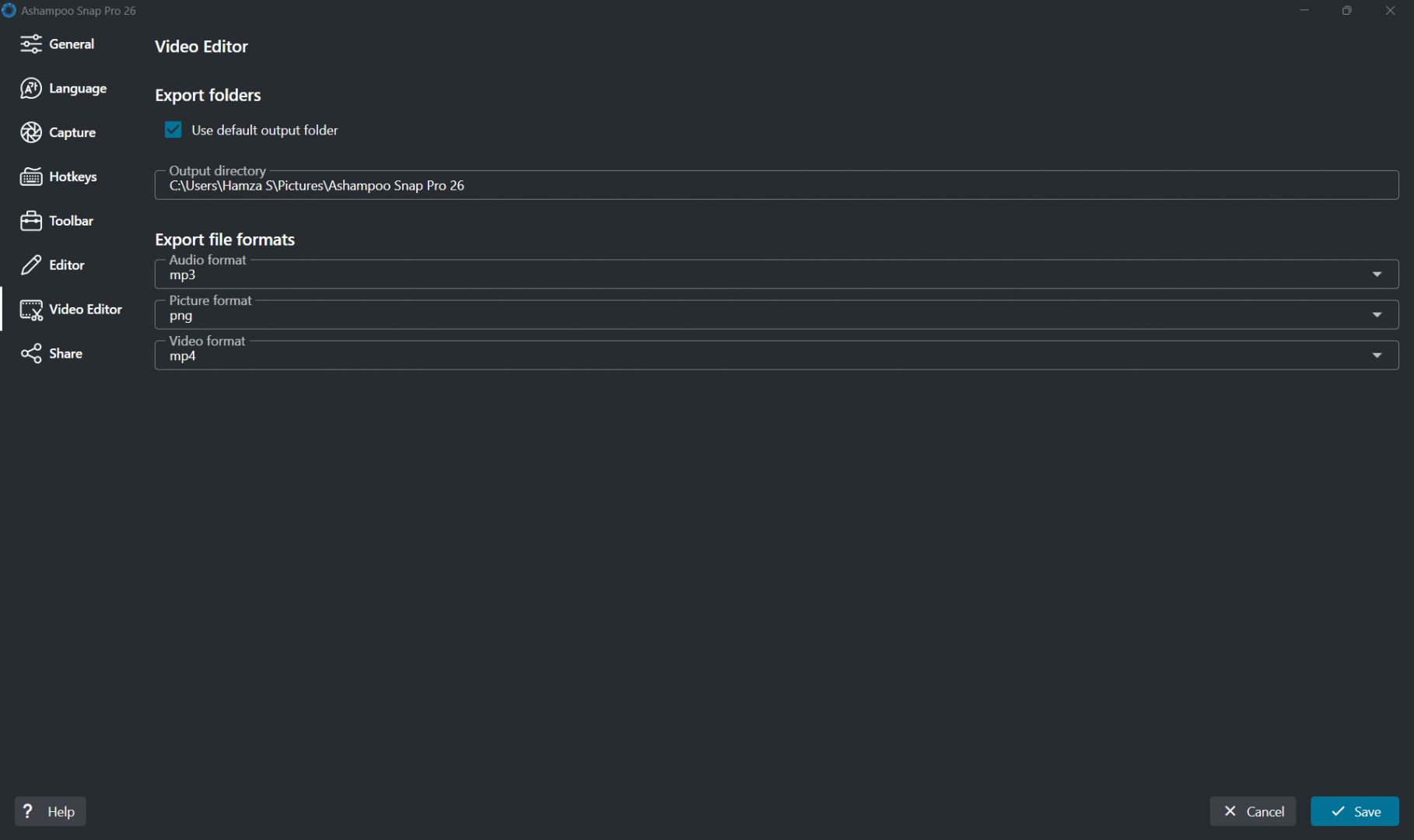
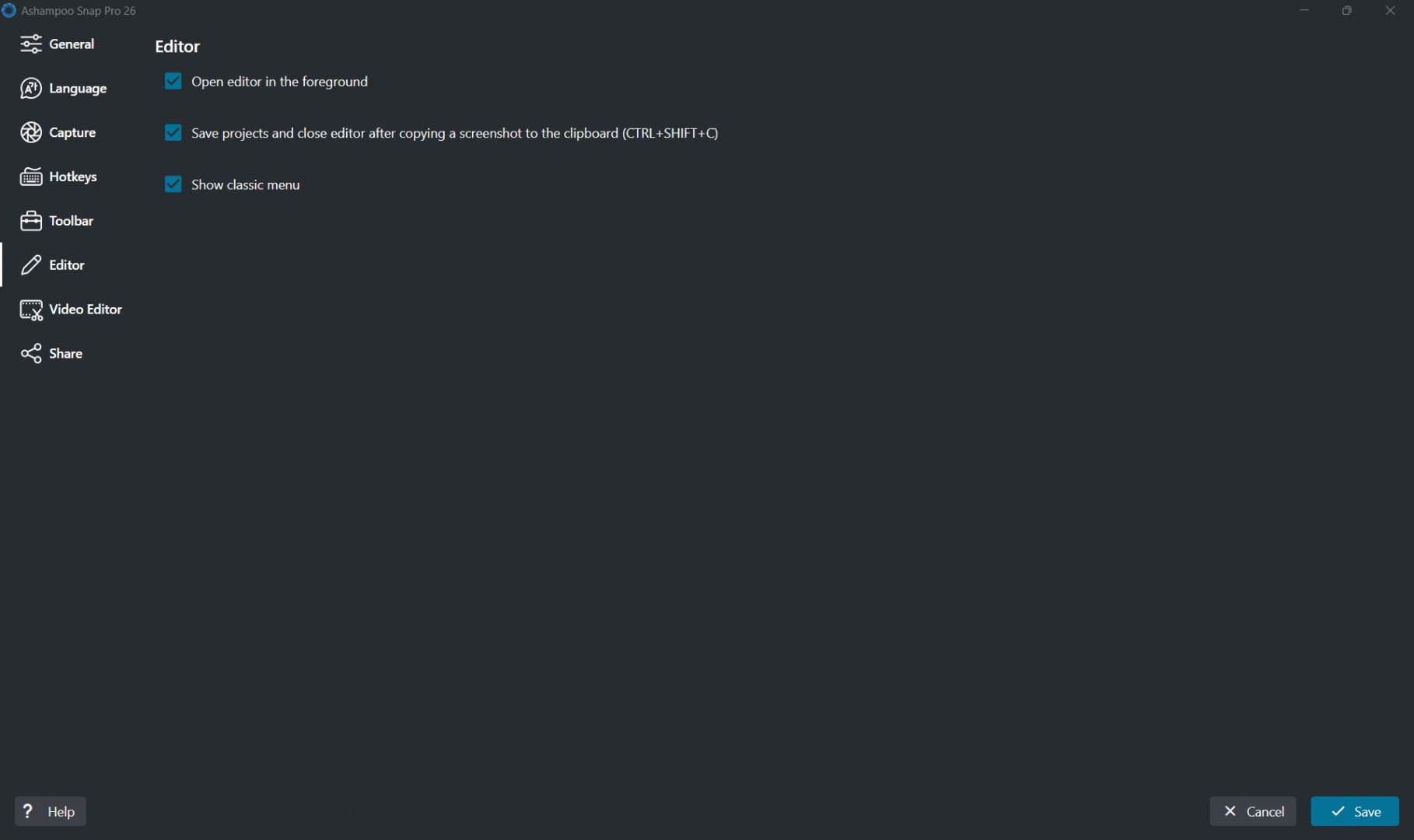
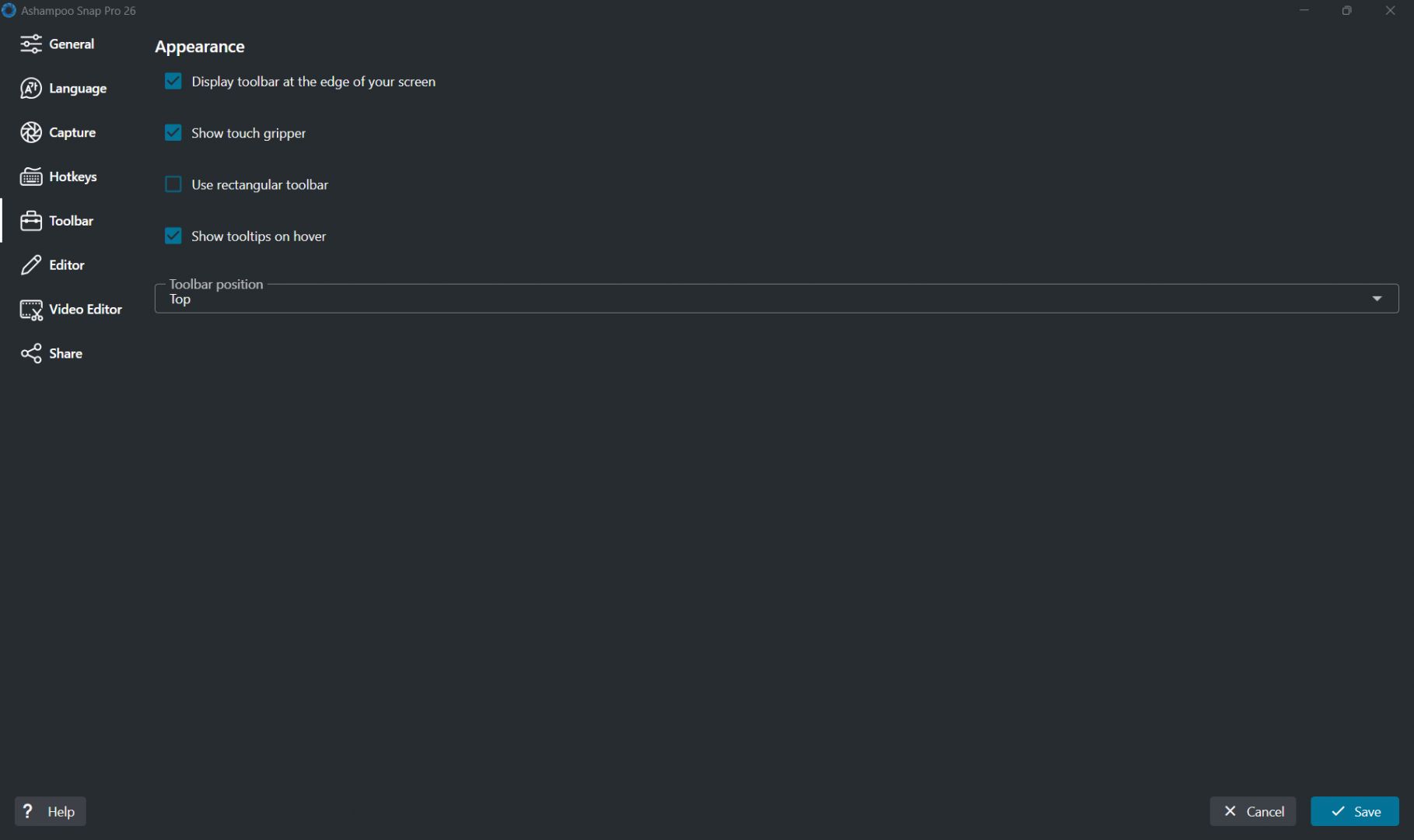
Ashampoo Snap is a screen capture and recording application for Windows. While the OS does come with its native Snipping Tool, it lacks the advanced features required for professional content creation. Ashampoo Snap provides you with image capture, video recording, annotation, and editing tools, all in a single package tailored for beginners, casual users, and professionals.
Whether creating presentations, tutorials, or simple screenshots, Snap offers an excellent suite of tools. It is incredibly handy for assembling various types of visual content. The user interface is modern and beginner-friendly, similar to other Ashampoo applications.
Screen capture and recording tools
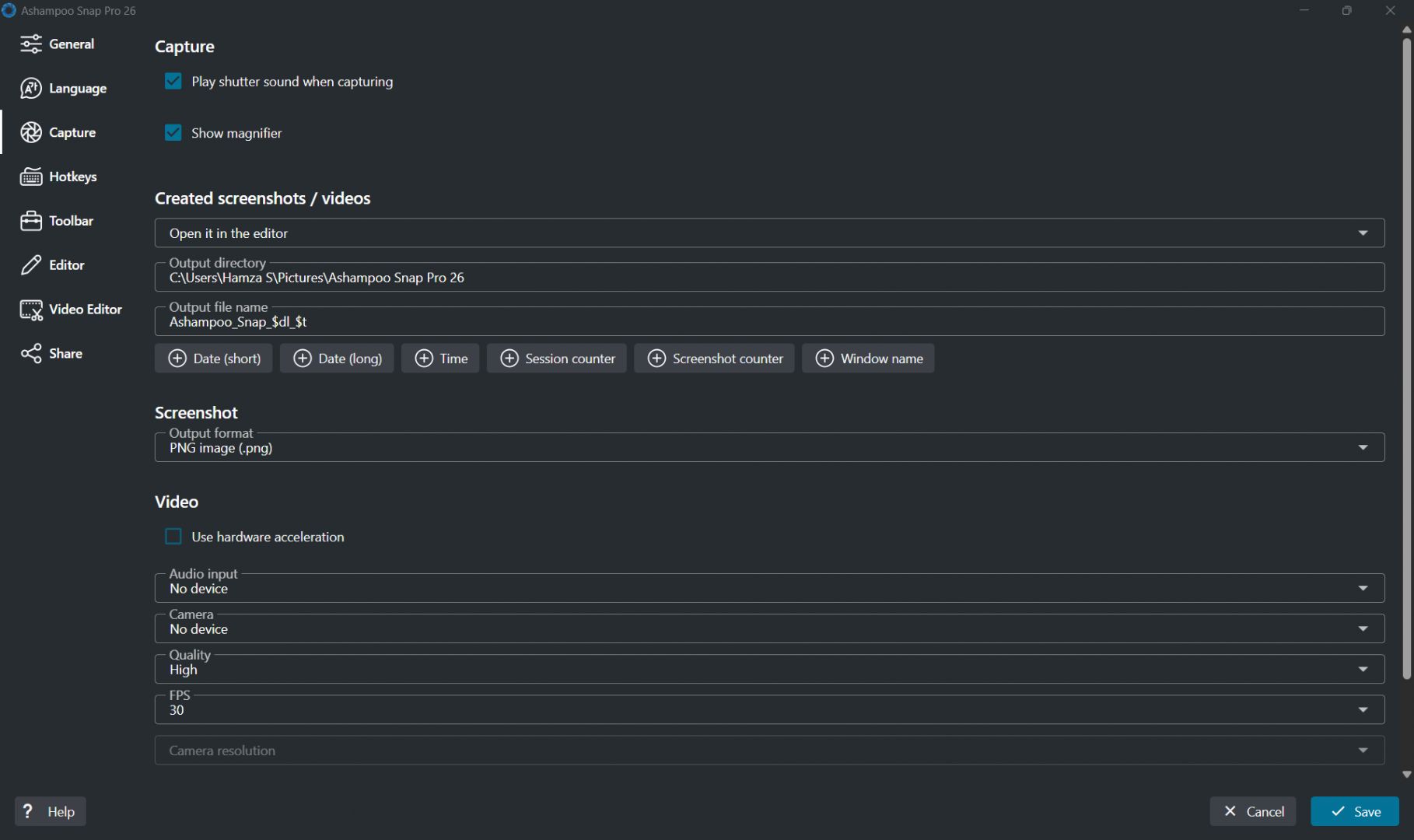
The core of the application lies in its vast range of capture options, covering use cases for almost any type of user. Whether you need a static screenshot, a scrolling capture, a timed grab, or a full screen recording, it can handle it. It supports the recording of desktop applications, active browser windows, presentations, videos, and so much more.
You can also capture webcam footage, including microphone audio, during your recordings. This functionality is highly beneficial for educators and content creators who produce instructional material.Editing and annotation features
One of the strongest aspects of Ashampoo Snap is its built-in editing system. After capturing content, users can immediately annotate screenshots using arrows, text boxes, highlights, shapes, and blur tools. It also includes built-in OCR (Optical Character Recognition), allowing users to easily extract and copy editable text directly from images.
The software includes cropping, numbering, watermarking, and image enhancement options to help users prepare polished visuals without needing a separate photo editor. For tutorials and technical documentation, these annotation tools are especially useful because they allow users to clearly explain steps and highlight important details directly within screenshots.Productivity and sharing tools
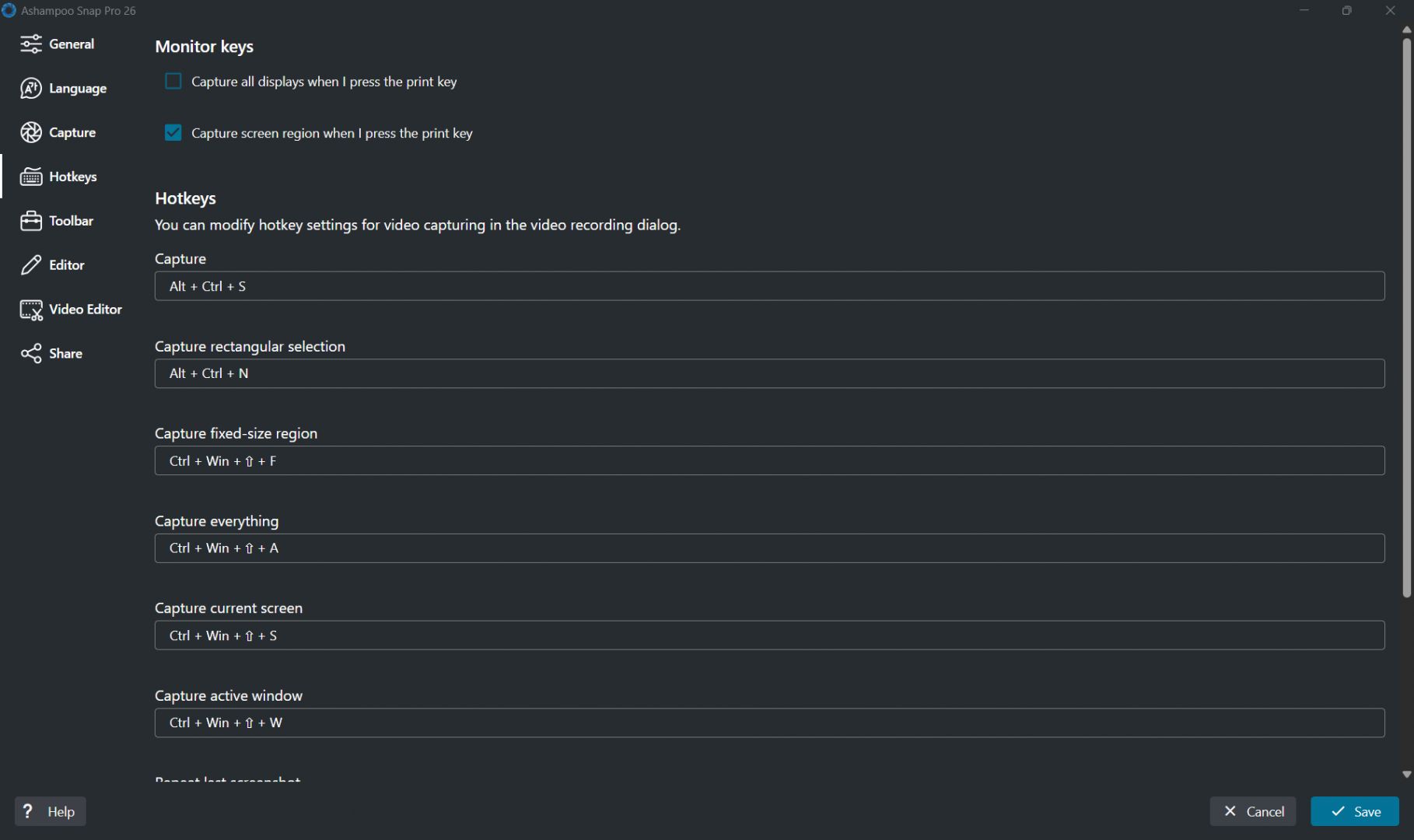
Snap comes with several features designed to optimize your daily workflow. You can quickly export captured files, copy them to the clipboard, or share them through any integrated service within the app. The software also supports automatic file naming, quick editing shortcuts, and customizable workflows that help frequent users save time during repetitive tasks.
These productivity-focused additions make the application particularly useful for office environments, educators, technical support teams, and content creators who regularly work with screenshots and recordings.Pricing and availability
Ashampoo offers Snap under two licensing models. The subscription-based tier can be used on up to three devices, while the one-time purchase license is limited to a single device. A free trial is available, starting as a 10-day trial that extends to 30 days upon free email registration.A versatile screen capture solution for productivity and content creation
Ashampoo Snap provides a comprehensive and highly useful set of tools for screen capture, recording, annotation, and editing. The built-in editor is adequate for almost any task related to screen content. While it is not free, there are often attractively priced sales going on that make it a great purchase for optimizing your daily workflow.